How to Program a LiftMaster Garage Door Opener
Step-by-step help to program a LiftMaster remote, keypad, or opener. If the Learn button will not take a remote, Open Sesame can program it and diagnose the unit.
Program a LiftMaster Garage Remote or Keypad
If you searched for how to program a LiftMaster garage door opener, how do I program a LiftMaster remote, or how to program a LiftMaster garage remote, the work happens at the Learn button on the motor unit. The steps below cover most residential LiftMaster (and many Chamberlain-branded) openers. They are not a fix for a broken spring, a door that will not move, or a failed logic board.
Safety first: use a stable ladder, keep hands off the torsion springs and lift cables, and keep people clear of the door while you test. If the door is off balance or a spring is broken, stop and call us — programming will not make an unsafe door safe.
Open Sesame Garage Door Service helps homeowners in Arnold, Festus, Fenton, Imperial, and throughout Jefferson County and south St. Louis County. The first visit includes a free inspection and a written quote before any work starts. Phones answered 24/7. Appointments Mon–Fri 8 AM–7 PM, Sat–Sun 9 AM–5 PM.
LiftMaster Openers We Install and Program
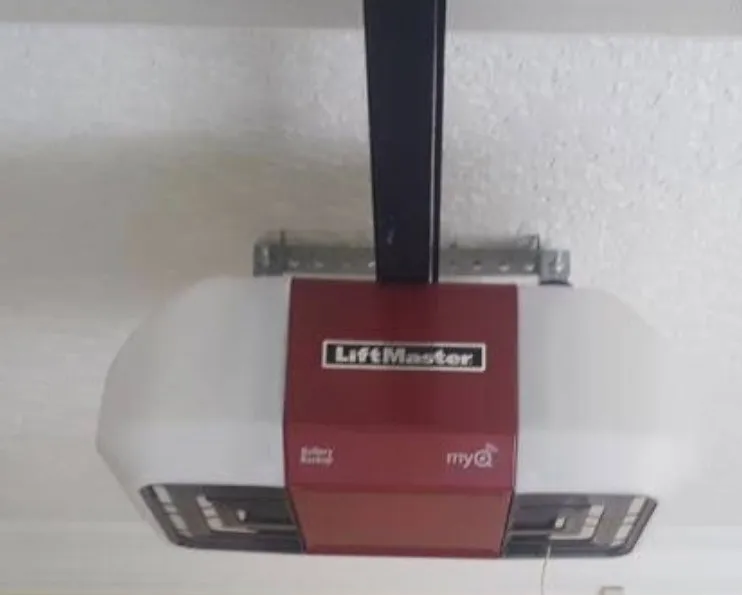
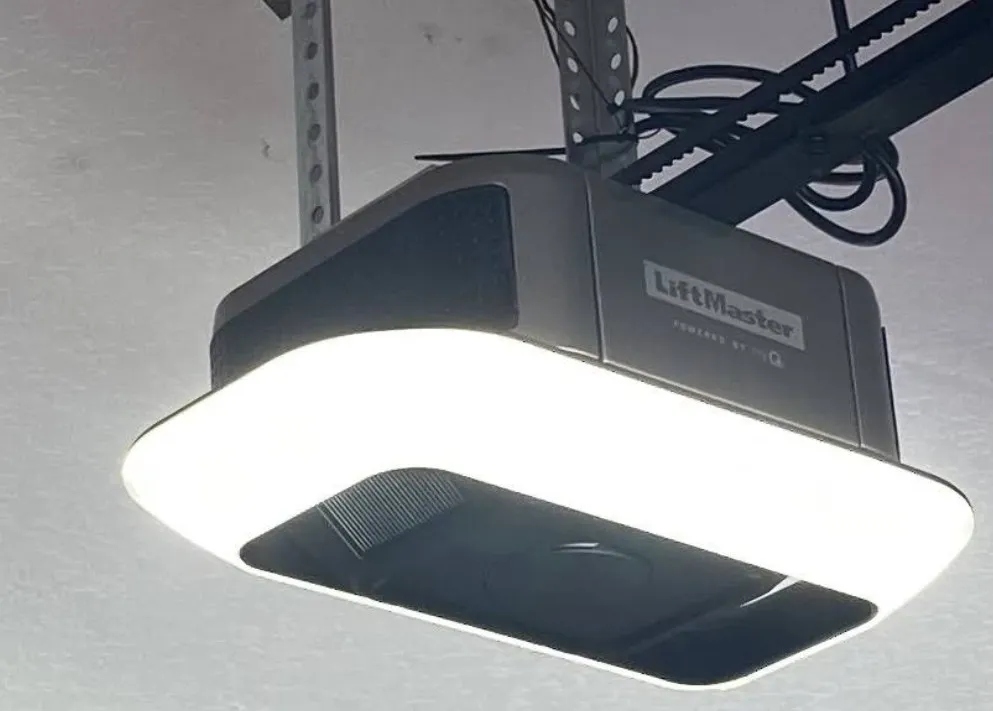
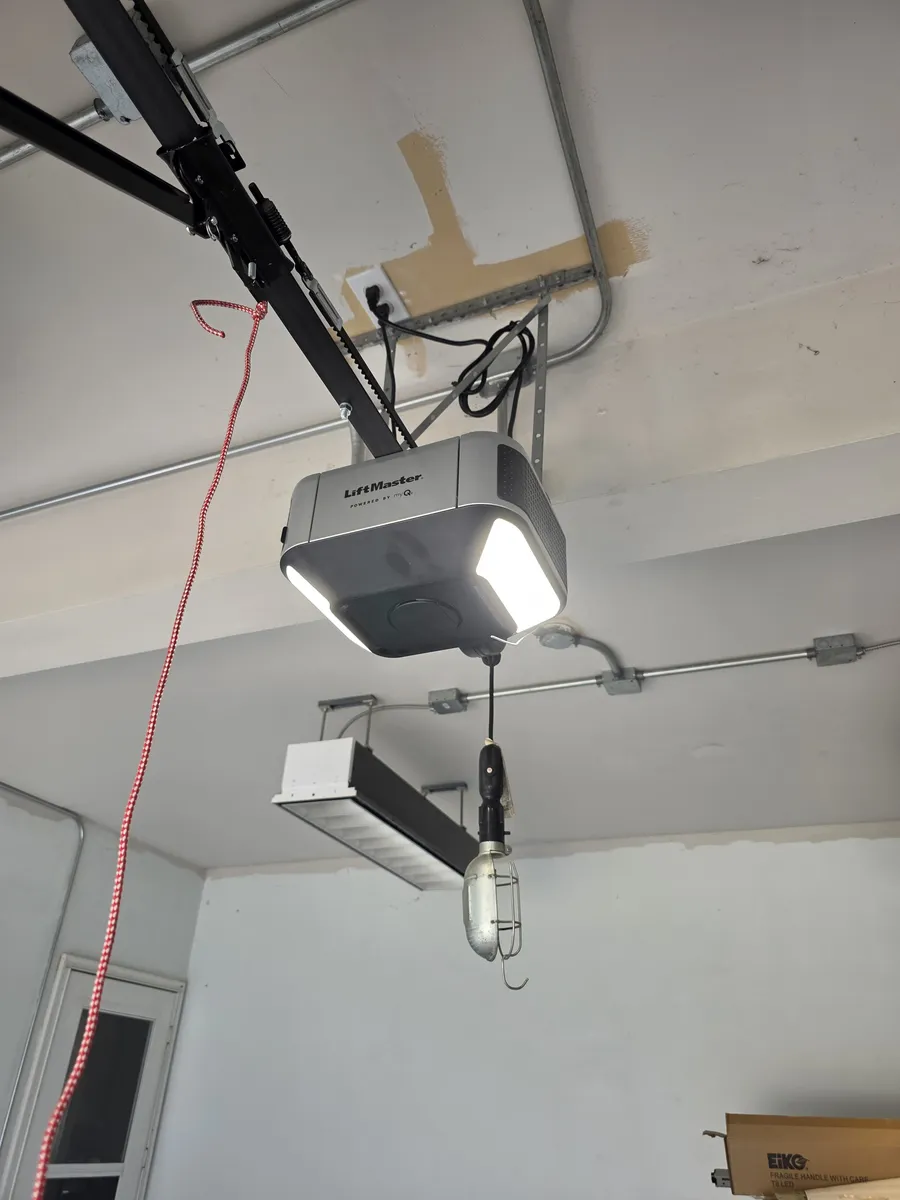
LiftMaster and myQ openers from recent service and installation work. We program remotes and keypads on the same visit when you want us to.
How to Program a LiftMaster Remote
- Stand on a stable ladder and find the Learn button on the back or side of the LiftMaster motor unit. The button is often yellow, red, purple, or orange, with a small LED next to it.
- Press and release the Learn button once. The LED should light. Do not hold the button down — holding it for several seconds can clear all remotes.
- Within about 30 seconds, press and hold the button on the LiftMaster remote (or visor transmitter) that you want to use, then release it when the opener light or LED blinks, or when you hear a click.
- Test the remote with the door in view and the opening clear. Repeat the process for each additional remote.
How to program a LiftMaster keypad
- Press and release the Learn button on the motor unit.
- On the wireless keypad, enter your PIN and press Enter (some models use a boxed Enter or a down-arrow key) within about 30 seconds.
- Wait for the confirmation blink, then test the PIN. If nothing happens, replace the keypad battery and try once more before assuming the pad or opener board has failed.
Clearing old remotes after you move in
If you just bought the house and want previous remotes to stop working, the usual LiftMaster procedure is to press and hold the Learn button until the LED goes out (often about six seconds). That erases stored remotes and keypad codes. You then program your remotes and a new PIN from scratch. If you would rather not climb to the opener, we can clear and reprogram everything on a visit.
myQ app vs. radio remotes
myQ phone control is a separate Wi-Fi setup from the radio remotes and keypad. An opener can have working remotes and still need myQ account or router help, or the other way around. We can help with both, and we also handle changing a garage door opener code on Chamberlain and Craftsman units.
When programming will not take
If the Learn LED never lights, remotes fall off after a day, or the opener ignores a new keypad, the cause is often a dead remote battery, a damaged antenna wire, a failed logic board, or an opener that is already at its remote limit. That is garage door opener repair, not a programming trick. Call or text (314) 897-4721 and we will get the unit opening the door reliably again.
Related garage door repair pages
FAQs
How do I program a LiftMaster remote?
Find the Learn button on the LiftMaster motor unit, press and release it, then press the remote button within about 30 seconds. The opener light or LED should blink to confirm. If it does not take, the remote, antenna, or logic board may need service.
Where is the Learn button on a LiftMaster garage door opener?
The Learn button is on the back or side of the motor unit on the ceiling. Depending on the year, it may be yellow, red, purple, or orange, and it sits next to a small LED.
Can you program a LiftMaster keypad or myQ accessory?
Yes. Open Sesame programs LiftMaster remotes, wireless keypads, and helps with myQ app setup. If a unit will not stay programmed, we diagnose the keypad, wiring, or opener board.
Need garage door help today?
Call Open Sesame Garage Door Service for local, owner-operated service in the St. Louis area.
Call (314) 897-4721